โ—€ Bufolabs

Blur faces
while you film

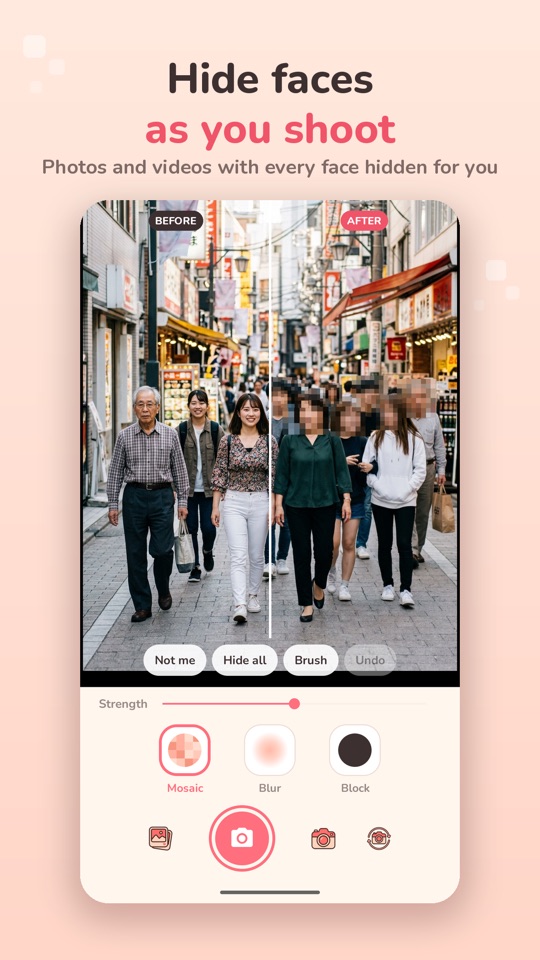
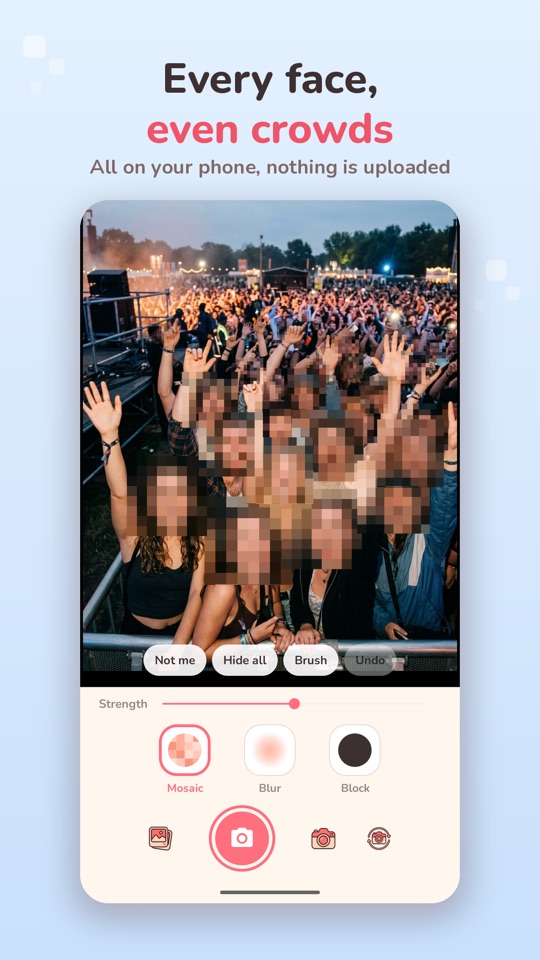
Unface finds every face while you record and covers it with a mosaic, a blur or a solid block, in the preview, the photo and the video. Film the street, a party or your vlog without showing strangers.

Get Unface on Google Play
Free ยท no account needed
Pay once for PRO, no subscription
Unface on an Android phone

Faces hidden before you share

Simple and kind: point, record, post.

๐Ÿ™ˆ

Live face blur

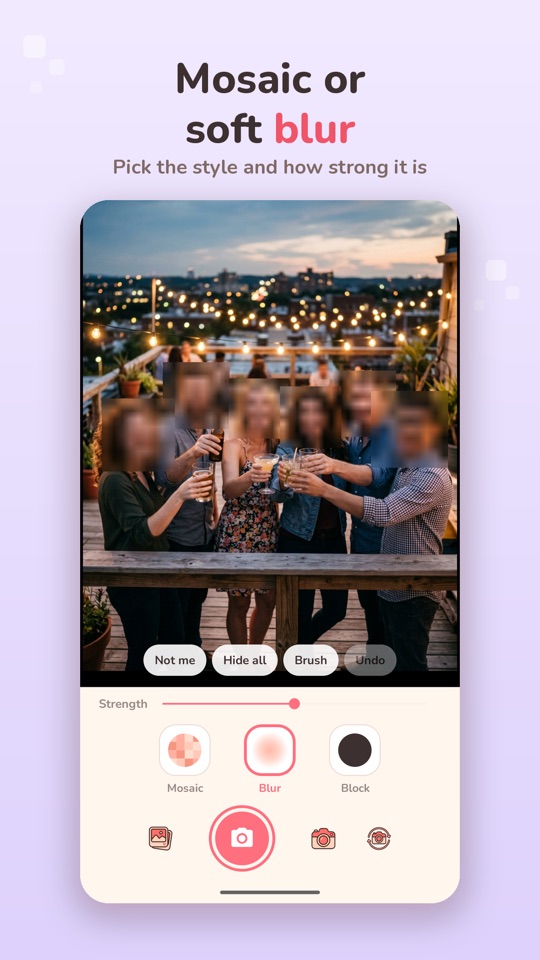
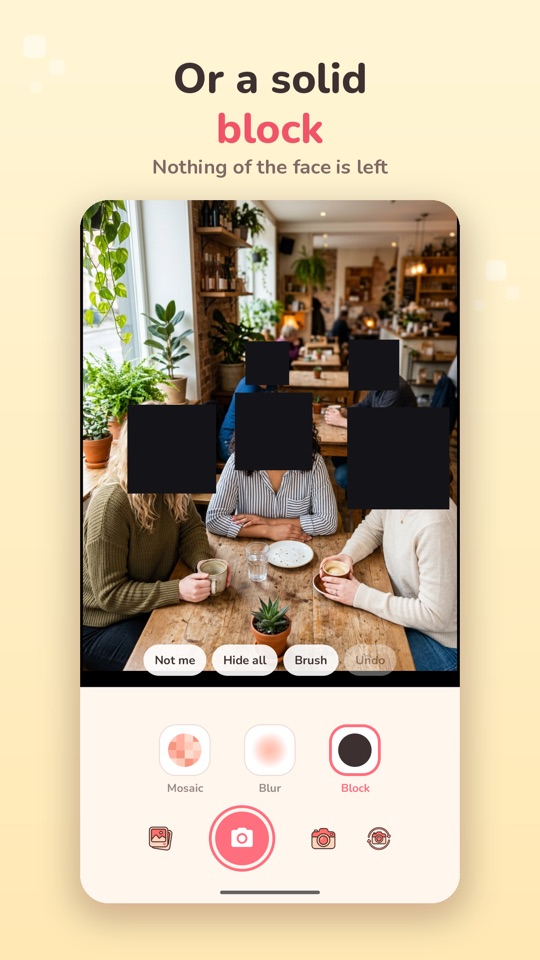
Mosaic, blur or a solid block with the strength you choose, with the back or front camera.

๐Ÿ‘ฅ

Many faces at once

Streets, classrooms, concerts and crowds. Hide all covers the whole picture in one tap.

๐Ÿคณ

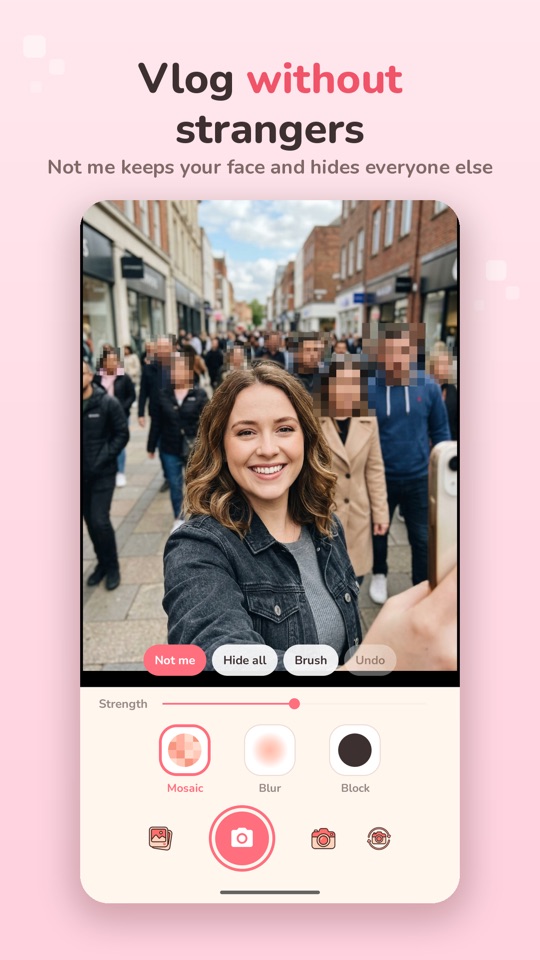
Not me

Vlogging? Your face stays in the picture and everyone around you is hidden.

๐Ÿ–Œ

Gallery photos and a brush

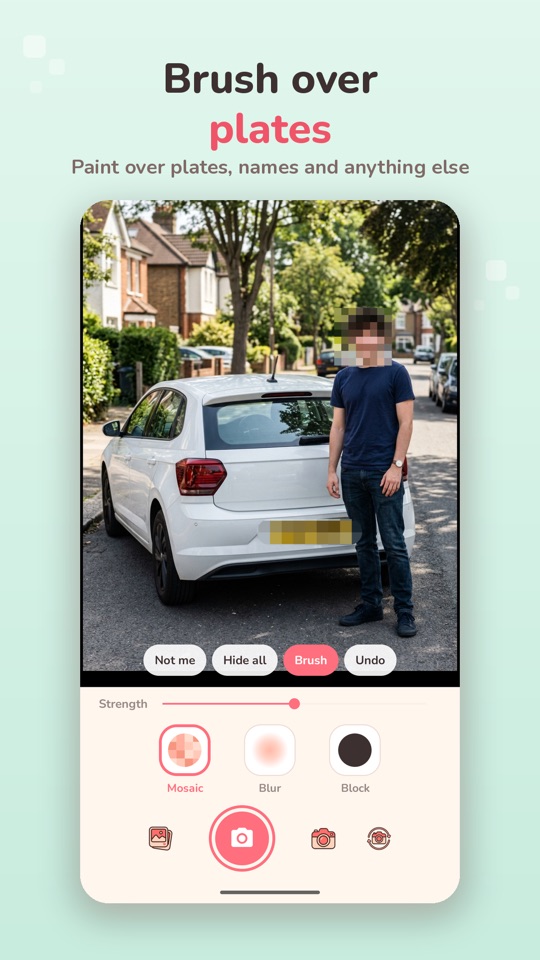
Faces in any photo are hidden at once; the brush covers plates, names or screens.

๐Ÿ”’

Private by design

Faces are found on your phone, offline. Your photos and videos are never uploaded.

๐ŸŽฅ

Photos and video

Portrait or landscape. PRO removes the watermark and records longer videos.

Questions

Is Unface free?

Yes, with a small watermark and short videos. Remove the watermark once by watching an ad, or go PRO, a one-time purchase, to remove it forever and record longer videos.

Are my photos uploaded?

No. Face detection runs on your phone, offline, and nothing is sent to us or anyone else.

Does it catch every face?

It is very good but not perfect: a face turned away or half out of the picture can show for a moment. Check your video before you post it.

Which phones are supported?

Any Android phone running Android 7.0 or newer. There is no iOS version yet.

Share the moment, not the strangers.